
Jab
Private betaMake the mix hold together.
Jab gives different parts of the spectrum different jobs. Keep the low end planted, let the top breathe, bring the vocal range forward, or calm down the part that keeps disappearing in mono.
AU + VST3 · macOS + Windows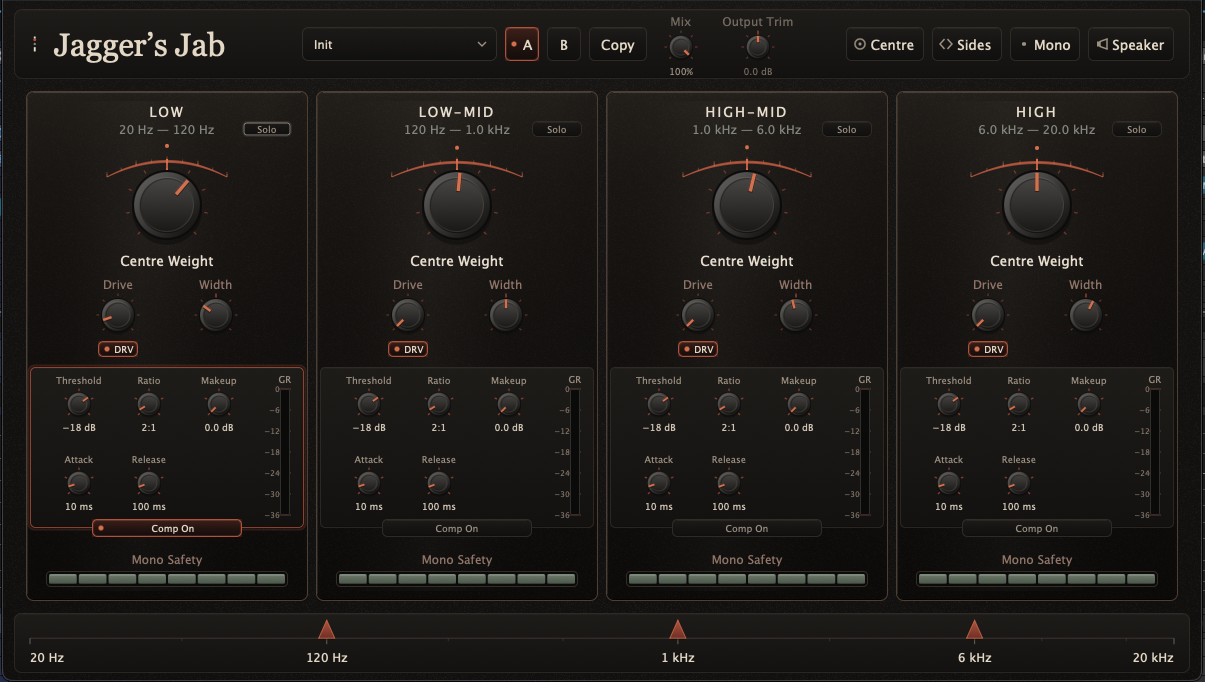
A mix is not one stereo problem.
The kick and bass do not need the same stereo treatment as the cymbals. The body of a vocal does not behave like the air above it. Whole-mix width controls ignore that. Jab splits the signal into four bands and lets you deal with each one on its own terms.
The three crossover points move. The familiar 120 Hz, 1 kHz and 6 kHz split is only the starting position.
On each band
Four useful moves.
- Centre Weight
- Decide how firmly the band sits in the middle of the mix.
- Width
- Set the stereo footprint, from mono to deliberately wide.
- Drive
- Add colour with a different voicing for lows, mids and highs.
- Compression
- Control movement where it is happening instead of across the entire mix.
A working state
See the whole decision.
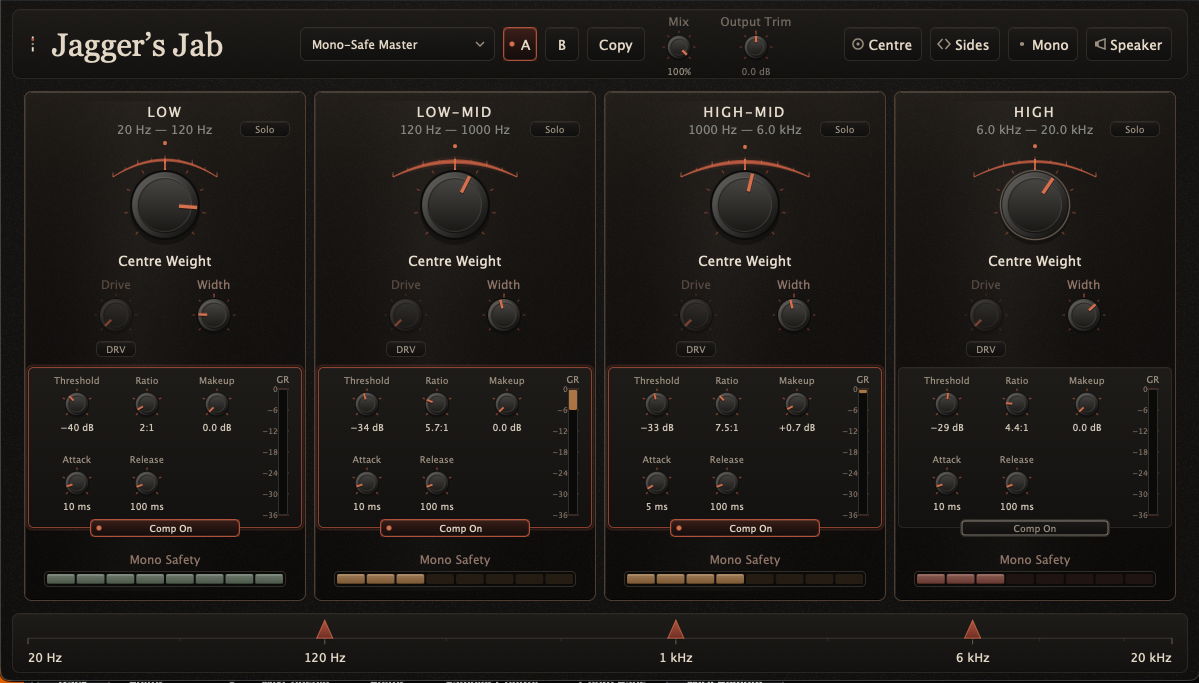
No drawers to hunt through. Compression, gain reduction, Mono Safety, crossover positions and the main tonal moves stay in view.
Translation
The checking tools are part of the plugin.
Solo a band. Listen to the Centre or Sides. Fold the mix to Mono. Use Speaker when you want a blunt, deliberately ugly view of what will survive a small box.
Mono Safety sits under every band, so the warning points at the part of the spectrum causing it instead of giving you one vague number for the whole mix.
Presets get you moving; A/B snapshots and Copy make it easy to find out whether the second idea was actually better.
Private beta
Jab is ready for real sessions and real feedback.
If this is a problem you regularly solve by hand, we'd like to hear how you work.
Ask about the beta